HR policy chatbot that answers from your own handbook
HR teams answer the same questions every week: how many days of leave, who approves overtime, what the parental leave policy says. ChatDocument answers them from your handbook and policies only, cites the page for every statement, and tells the employee plainly when the policy does not cover the question, so HR handles the cases that need a person.
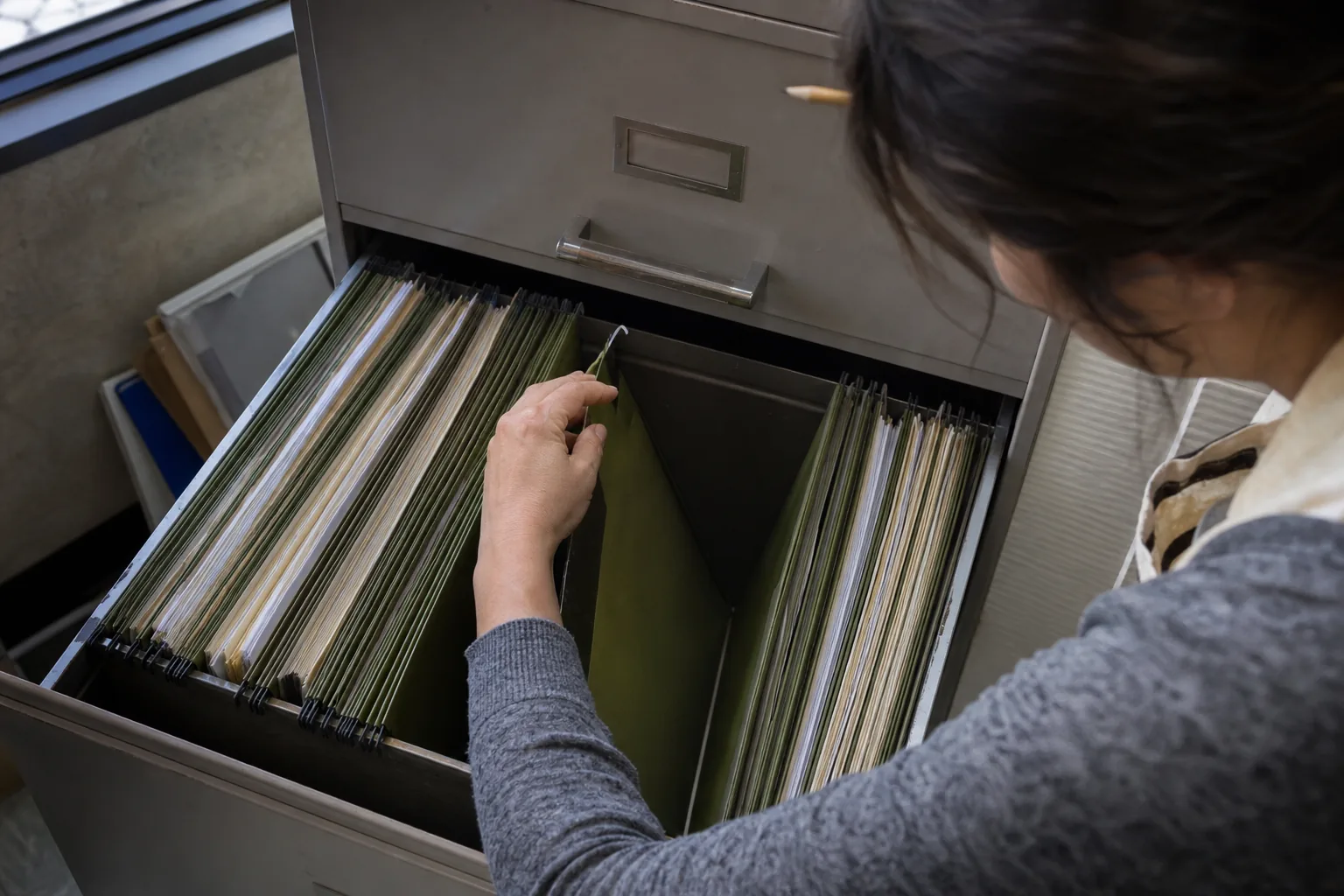
For HR, people operations and office managers
- Employee handbook and code of conduct
- Leave, remote work, travel and expense policies
- Benefits guides and enrollment documents
- Onboarding checklists and role guides
- Country or state supplements that change the rules for part of the team
The questions that fill the HR inbox
- How many vacation days do I get in my second year, and do they carry over?
- What do I need to submit for a sick day longer than three days?
- Can I work from another country for two weeks?
- Who approves a home office equipment purchase, and what is the limit?
- How does parental leave work for adoptive parents?
- What is the notice period when I resign during probation?
Set up a policy space once, keep it current with your drive
Create a space for policies, upload the handbook and policy files, or connect the HR folder in Google Drive, SharePoint and OneDrive or Dropbox. When HR updates a policy in the folder, the space syncs on a schedule, so answers follow the current version.
- Roles: HR are owners or editors, employees are askers. Askers can ask and read cited answers but cannot add or delete documents.
- Cited answers: each statement links to the page of the handbook, so an employee can read the rule in full.
- Compare: put the old and new version of a policy side by side to brief managers on what changed. See compare documents ai.
- Summaries: a one-page summary of a new policy for an all-hands email, every line cited. See summarize documents with ai.
- Extract to table: list every policy with columns such as Policy name, Owner, Effective date, Applies to, Approval needed and Last review, to see which documents are out of date.
- Intranet widget: on Business and Enterprise, put the policy assistant on your intranet with a script tag, restricted to the policy space. More on document chat widget.
Honest answers when the policy is silent
If the handbook does not cover a question, the chatbot says the answer is not in the policies and shows the closest passages it checked. It never makes up a rule from general knowledge, which is exactly what an HR team needs from a policy assistant.
Plans by team size
Seats are for people who ask, so the plan follows how many employees need direct access.
- Starter, 49 USD per month or 24 USD per month billed yearly (288 USD a year): 1 seat, 500 questions a month. Fits an HR manager who answers on behalf of others.
- Team, 149 USD per month or 74 USD per month billed yearly (888 USD a year): 5 seats, 2,000 pooled questions, roles for owners, editors and askers.
- Business, 499 USD per month or 249 USD per month billed yearly (2,988 USD a year): 15 seats, 7,000 pooled questions, 800 per day, the intranet widget and an audit log. Widget questions count toward the plan.
- Enterprise, 1,490 USD per month or 745 USD per month billed yearly (8,940 USD a year): 50 seats, 20,000 pooled questions, SSO (SAML), SLA 99.9 and invoice billing.
See chat with pdf pricing for every limit.
What the chatbot leaves to HR
ChatDocument quotes your policies. It does not interpret employment law, it does not make decisions about individual cases, and it does not replace HR or legal advice. Questions about a specific situation, a dispute or a complaint should still go to a person. If you are building a wider internal knowledge base beyond HR, see internal knowledge base software.
FAQ
Can employees see documents outside the policy space?
No. Askers see only the spaces they are invited to, and answers come only from the documents in the selected space.
What happens when a policy is updated?
Replace the file or update it in the connected folder. The space syncs on a schedule and answers cite the current version.
Are employee questions used to train AI models?
No. Documents, questions and answers are never used to train models.
Can we use it in Microsoft Teams or Slack?
ChatDocument works in the web app and, on Business and Enterprise, through the widget and REST API, which your developers can connect to internal tools.
Give your handbook a place to answer questions
Create your account, upload the handbook and see the first cited answer in minutes. No card needed for the demo.